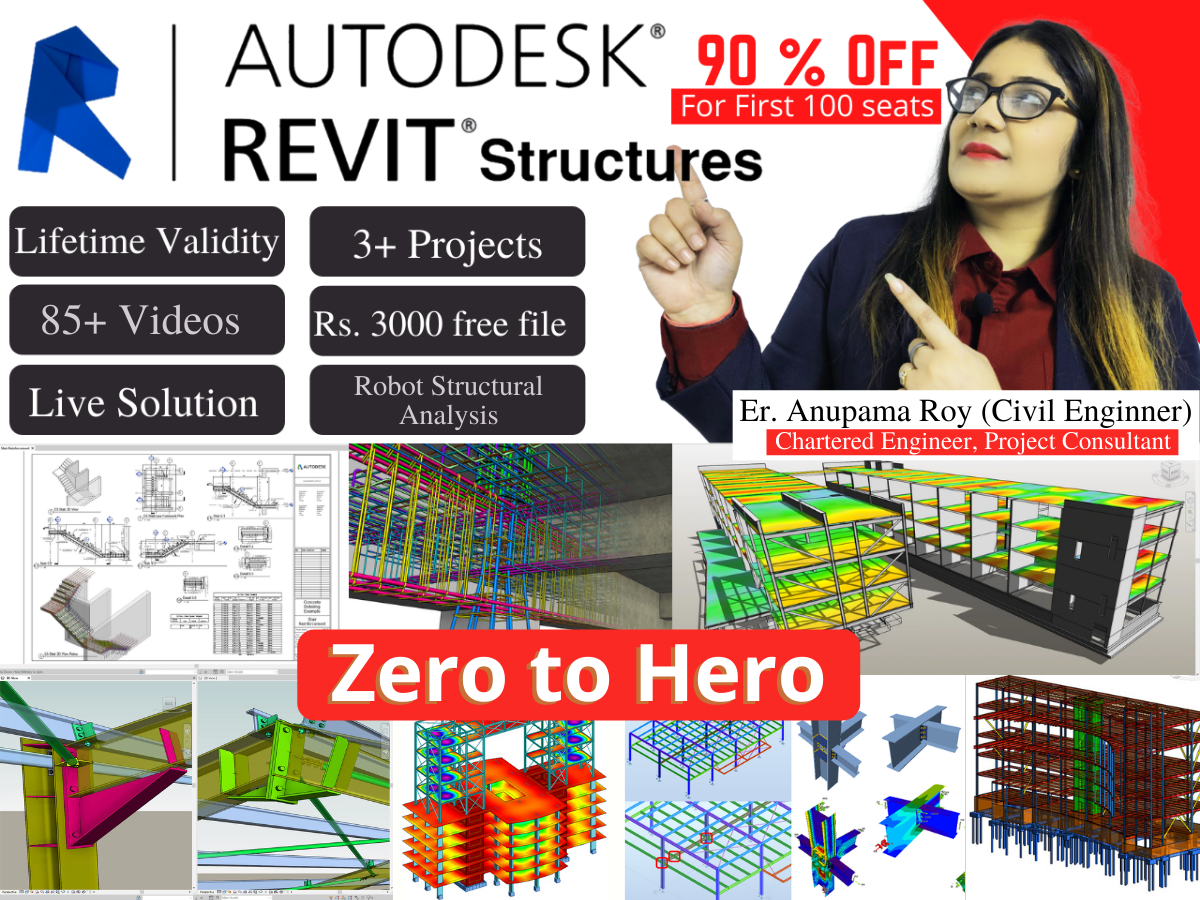
Revit Structure Course Syllabus - 1)Objective of the course 2)introduction to the course 3)CAD &BIM 4) Introduction to Revit structure. 5)Interface of Revit Structure 6)Revit initial setting, unit settings. 7)Basic information about view cube and Navigation bar. 8) Visibility Graphics settings for Revit structure. 9)keyboard shortcuts and settings. 10) Sketching and Modifying tools for Revit. 11) Dimensions Tools in Revit. 12)How to Draw Grids and levels in Revit structure. 13)How to place a structural Foundation. 14)How to place a structural column in Revit structure. 15)How to place a Structural Foundation slab in Revit structure. 16)How to place Beam in Revit Structure. 17)How to create Structural Floor in Revit Structure. 18)How to place Structural slab in Revit Structure. 19)How to create a Structural wall in Revit Structure. 20)How to create openings in Revit Structure. 21) How to link Revit and AutoCAD files in Revit Structure 22) How to Create Warehouse in Revit/RCC Structure 23) How to create a water tank in Revit Structure 24) How to place Rebar in Foundation 25) How to place Rebar in Column/ Structural Detaling 26) How to place Rebar in One way & two-way slab in Column/ Structural Detailing (Theory) 27) How to place Rebar in Beam/ Structural Detailing 28) How to place stirrups in Column in Revit Structure 29) Covering Settings & Creation for Structural Elements 30) Rebar using Area Command in Revit Structure 31) How to create a Slanted Column in Revit 32) How to Create Retaining wall in Revit Structure 33) Structural Detailing in Retaining wall 34) Reinforcement Detailing in Curved wall 35) Reinforcement Detailing of Cantilever Retaining wall 36) Reinforcement Detailing of Shear wall 37) How to do Detailing reinforcement of pile cap 38) Reinforcement Detailing of Mat Foundation 39) How to Create or use a Rebar Coupler in Revit 40) Simply Supported Beam in Revit 41) Doubly Reinforced Beam in Revit 42) Staircase in Revit (Design and Reinforcement Detailing) 43) How to provide automatic reinforcement in (Column, Beam, pile foundation, Retaining wall, Slab corner, Wall Corner) 44) Steel (Theory) 45) How to place a steel column in Revit 46) How to place a steel beam in Revit 47) How to create a column using Beam System 48) How to Create Brace in Revit/ Bracing System 49) Modeling of steel Truss/ Shed 50) Different types of Trusses in Revit 51) How to Load steel Connection in Revit. 52) How to provide base plate connection 53) How to provide base plate cut connection. 54) How to provide a base plate with traverse bolted 55) How to provide a base plate with Welded. 56) How to provide moment column splice connection. 57) How to provide moment End plate connection 58) How to detail an apex haunch connection 59) Eaves haunch Detailing in Revit 60) Clip angle steel connection 61) Revit rebar shapes and schedules. 62) How to calculate rebar weight in Revit 63) How to prepare Rebar weight in Revit 64) How to create a Structural Column Schedule 65) How to create a Structural Foundation Schedule in Revit 66) How to create a Structural Beam schedule in Revit 67) Complete Scheduling and Quantities (BBS) 68) Preparing Documentation and Structural Drawing Sheets. Analysis: 69) Applying Gravity (Dead & Live) Loads in Revit Structure 70) Applying Lateral Load (Wind load) in Revit Structure 71) Applying lateral load (Earthquake load ) Seismic load in Revit Structure 72) Analysis & Exploring Analysis Result in Revit Structure 73) Slab Detailing & Arranging viewpoint in Revit Robot Analysis : 74) Export Model from Revit to Robot Structural analysis and applying load. 75) Analysis and Design in Robot Structural Analysis 76) Provide Reinforcement detail in Robot 77. Live Projects: Complete Structural Modeling using AutoCAD and Robot Structure Analysis. Every Day we'll upload new Videos & Doubt Clarification Classes